UnlimLuck UK Guide
UnlimLuck Mobile Experience: Browser First, App Claims Unverified
 Available in GB
UnlimLuck runs as a mobile-responsive web casino. The lobby, cashier, account screens and live dealer all render in iOS Safari and Android Chrome at unlimluck.com without a dedicated app. No verified UnlimLuck native app is published in the Apple App Store or Google Play; “UnlimLuck app” download links in search results are almost always third-party affiliate redirects, not official operator distribution. For UK players, browser-first is the safe route. This page covers what mobile use actually looks like, what to verify before depositing on a phone, and why an unverified app download is not a path to follow even when an affiliate page promises it.
Find the best options for unlimluck.
- Mobile verdict: browser first
- What can and cannot be claimed
- App claims and the third-party download problem
- Mobile checks before account use
- Comparing mobile and desktop before depositing
- Games on mobile
- Payments and bonus terms on a phone
- Support and records from mobile
- Responsible mobile boundaries
- Mobile FAQ
- Where to go next
Mobile verdict: browser first
The cleanest UnlimLuck mobile session is a browser session. Open Safari on iOS or Chrome on Android, type unlimluck.com directly into the address bar rather than following a search result, log in and play. The interface adapts to phone-width and tablet-width screens, with the lobby, cashier and live-dealer feeds all functional. No additional software is needed, no certificate trust prompt is needed, and no permission grant beyond standard browser cookies is required.
The reasons to stay browser-first are pragmatic. UnlimLuck does not publish a verified native app in either of the major mobile app stores, so any “app” advertised in search is distributed outside the Apple and Google review processes. That third-party distribution path bypasses the malware and privacy checks that Apple and Google apply. The risk is not theoretical: phishing apps targeting casino brands have repeatedly appeared in third-party distribution channels.
What can and cannot be claimed
| Mobile topic | What is true | What to avoid assuming |
|---|---|---|
| Mobile-browser access | The full site runs in iOS Safari and Android Chrome at unlimluck.com. | That mobile use removes any of the offshore-licensing trade-offs from desktop. |
| Native app | No verified app exists in Apple App Store or Google Play. | That any “UnlimLuck app” link in search or social media is official. |
| Live dealer on mobile | Ezugi and Vivo live tables stream in mobile browser at modern phone resolutions. | That low-end devices or weak connections will get the same stream quality as desktop. |
| Support on mobile | Live chat and email render in the mobile browser; English language confirmed. | That mobile chat response speed will be different from desktop. |
| Payments on mobile | Card and crypto deposits work on phone-width cashier screens. | That a short mobile cashier screen shows every fee, limit or withdrawal condition. |
App claims and the third-party download problem
Search results for “UnlimLuck app” or “UnlimLuck APK” pull up several affiliate pages offering downloads. None of these are official UnlimLuck distribution. The Apple App Store does not list an UnlimLuck app; Google Play does not list an UnlimLuck app. Any APK file from a third party should not be installed on a personal phone, because the installation gives an unverified package broad permissions on the device and the file may impersonate the operator without being affiliated with it.
The reason the operator does not publish a native app is structural rather than incidental. Apple and Google both require real-money gambling apps to comply with the licensing of the user’s region — UKGC licensing for UK users, equivalent licensing in other markets. UnlimLuck holds an Anjouan licence and is not authorised to serve UK consumers under UKGC rules, so an App Store or Google Play listing would not pass the store review process for UK distribution. The absence of a native app is consistent with the offshore licensing position, not a bug.
Mobile checks before account use
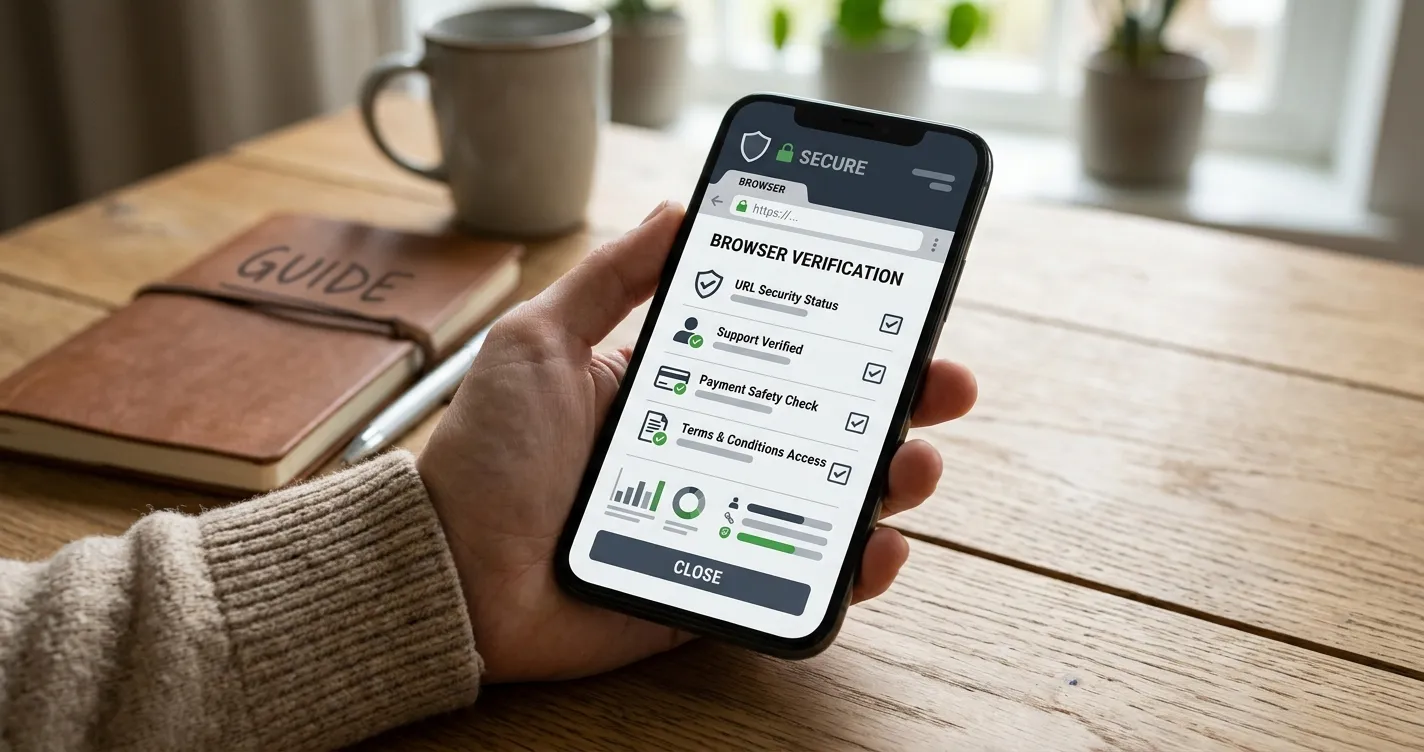
- Type unlimluck.com directly into the address bar. Do not arrive via a search-result click that may redirect through an affiliate URL.
- Verify the address bar shows the correct domain and a padlock icon before entering credentials.
- Confirm the page is the operator site, not a copycat — look for the matching logo, the licence reference at the bottom and the cashier consistency with the desktop view.
- Do not install any “UnlimLuck app”, APK, or shortcut that prompts for outside-store installation permissions.
- Open bonus terms in full rather than relying on the shortened mobile promotion panel; the full terms link from the promotion screen.
- Confirm the cashier on mobile shows the same deposit, withdrawal and KYC information as the desktop cashier.
- Save support transcripts and screenshots when answers affect eligibility, payments or verification.
Comparing mobile and desktop before depositing
A phone browser can shorten menus, hide small-print panels or require extra taps to reveal cashier and promotion details. Before depositing, open the same page on a desktop browser when possible. The goal is not to find a workaround for any mobile feature; it is to ensure country wording, account currency, payment terms, bonus restrictions and withdrawal conditions are visible in a form you can read and save. If the desktop and mobile views disagree on a material term, treat the unclear term as unresolved and ask support in writing before depositing.
The mobile cashier in particular tends to render only the active deposit panel, hiding the full method list and the fee disclosure. Toggle to the desktop site or open the help-centre page that contains the full method list separately if you need the full picture.
Games on mobile
Slot titles from Pragmatic Play, BGaming, Wazdan, Playson and PG Soft render natively in mobile browser without flash or installer requirements. Live dealer tables from Ezugi and Vivo Gaming stream on mid-tier and modern phones; older devices or weak 4G connections may drop to a lower-quality feed with delayed bet acceptance. Spribe’s Aviator runs cleanly on mobile; the auto-cashout slider and bet panels are designed for touch interaction. The games and providers guide covers the catalogue side; this page focuses on the device-level mobile experience.
Two practical mobile notes. First, the maximum stake per spin on mobile slots is not different from desktop — the UKGC £5 cap does not apply on UnlimLuck regardless of device, and the slot’s own stake range governs the maximum. Second, mobile session pacing is a known affordability risk: phones are designed for short, frequent sessions, and crash-game and high-volatility slot play can compound that pacing. Set a session timer on the phone before opening the lobby.
Payments and bonus terms on a phone
The mobile cashier accepts the same deposit methods as desktop: Visa and Mastercard cards, Bitcoin, Ethereum, USDT and reported e-wallet routes. The same UK-specific caveats apply: GBP cashier support is not officially documented and account currency typically defaults to EUR; credit-card funding carries the same affordability risk on phone as on desktop; crypto deposits do not bypass KYC. The payment methods overview covers the cashier-level breakdown.
Bonus opt-in on mobile uses the same promotion page as desktop, but the wagering, max-bet and expiry text often falls below the fold. Scroll the full promotion screen before opting in, and check the full terms-and-conditions link rather than the headline panel. The bonus terms checklist walks through the opt-in checks.
Support and records from mobile
Live chat and email support render in the mobile browser. Casino Guru lists English-language support for the site, live chat and customer service. The mobile session should make it easy to save evidence: keep a screenshots folder for chat transcripts, dates, support emails and exact wording from account or cashier screens. iOS allows long-press to capture a chat bubble’s text; Android Chrome supports screenshotting the active page, which preserves the URL bar so the screenshot is verifiably from unlimluck.com.
Ask narrow support questions when the answer needs to be evidence in a later dispute. Good examples for a UK reader are whether the country is supported, whether the chosen payment method can be used for both deposit and withdrawal, whether verification is required before cashout, and whether a bonus changes withdrawal rights. A specific written answer is much more useful than a reassurance.
Responsible mobile boundaries
Mobile access can make gambling more immediate, which makes personal-limit setting more important than on desktop. Set deposit limits, session reminders and a daily time cap inside the UnlimLuck account before depositing. Do not use the mobile site as a workaround for self-exclusion, affordability protection or any safer-gambling rule that applies elsewhere — UnlimLuck does not connect to GamStop, and a UK self-exclusion registered there does not stop a player from using UnlimLuck on a phone. If GamStop is active for you, the answer is to use GamCare or the National Gambling Helpline (0808 8020 133) for free, confidential help, not to substitute an offshore brand.
Mobile FAQ
Where to go next
For the broader brand verdict, return to the main UnlimLuck UK review. For account preparation before any mobile deposit, see the account-readiness guide. For the catalogue side, the UnlimLuck games overview covers slots, live tables and crash titles. For the cashier-level payment breakdown, see the payment methods overview. For trust signals and licensing, read the trust and safety assessment.
Read our detailed review of UnlimLuck Payment Methods for UK Readers.
Created by the ”Unlimluck” editorial team.